
![[HERO] How to Integrate High-Resolution Drone Data into Your BIM Workflow](https://cdn.mar4lism.com/_1VKzx0H3-d.webp)
Building Information Modeling (BIM) has transformed the construction industry from a collection of fragmented drawings into a unified, data-rich digital environment. However, the value of a BIM model is only as high as the accuracy of the data fueling it. For construction managers and site planners in Southwest Florida, the challenge often lies in bridging the gap between the digital design and the physical reality of the job site.
Integrating high-resolution drone data into your BIM workflow eliminates the guesswork. By utilizing enterprise-grade aerial imaging, project stakeholders move beyond static snapshots to dynamic, three-dimensional datasets that reflect actual site conditions in real-time. This integration facilitates a continuous feedback loop: ensuring that the "as-built" reality aligns perfectly with the "as-designed" intent.
The Enterprise Tech Stack: Precision from the Start
At Cape UAV, we utilize the Autel Robotics EVO Lite 6T Enterprise (also known as the EVO Lite 640T) as our primary aerial platform for construction and industrial applications. This equipment is specifically selected for its dual-sensor capabilities, featuring a 50MP visual camera and a 640×512 thermal sensor.
The 50MP visual camera provides the high-resolution imagery required to generate detailed orthomosaic maps, while the thermal sensor identifies anomalies that are invisible to the naked eye. In a BIM context, this level of detail allows for more than just visual inspection; it provides the raw data necessary for precise volumetric analysis and progress tracking.
Note: Autel Robotics is a trademark of its respective owner; Cape UAV is not affiliated with or endorsed by Autel Robotics.
Stage 1: Flight Planning and High-Resolution Data Acquisition
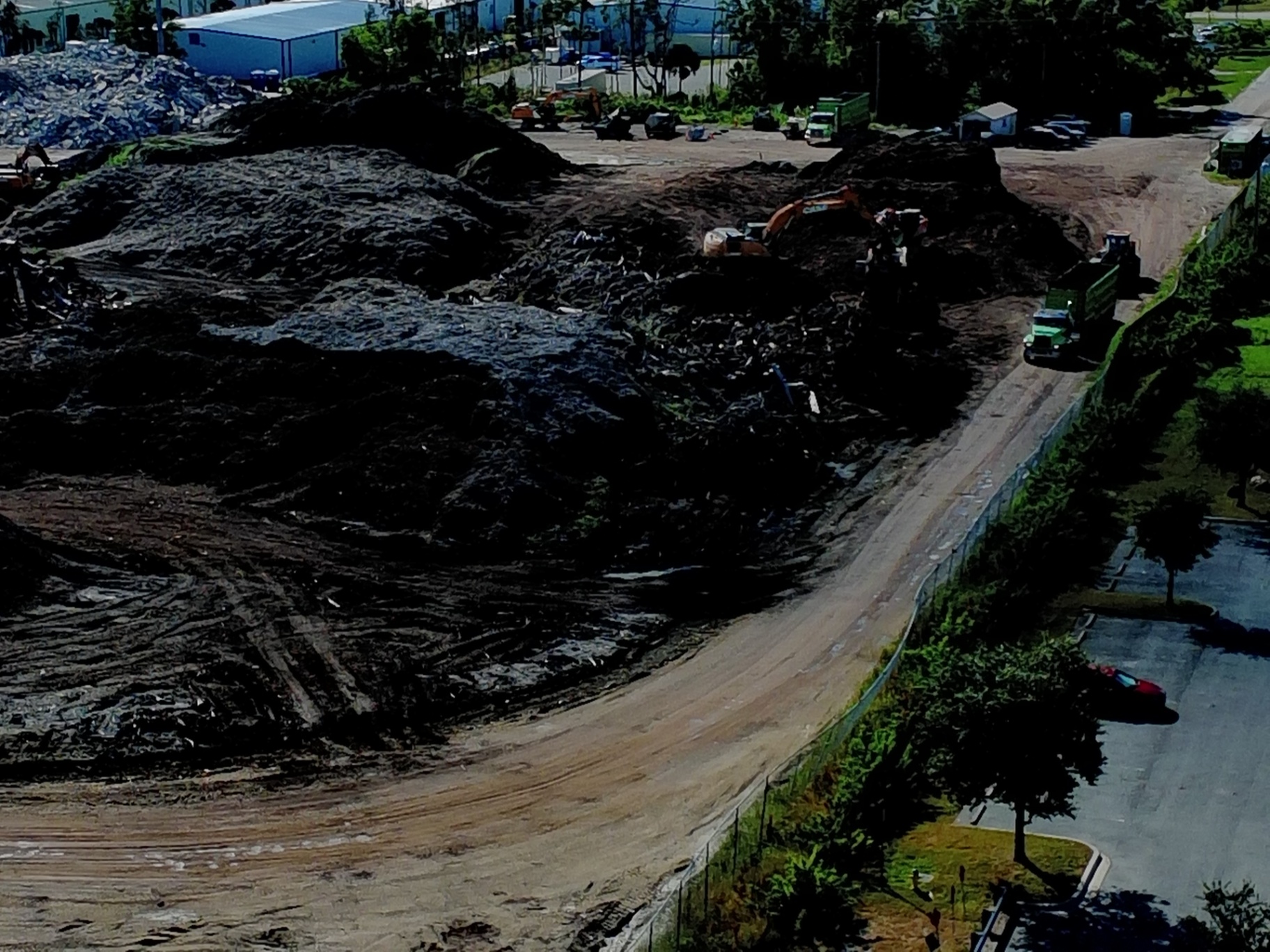
The integration process begins long before the drone takes flight. For BIM workflows, flight planning must be meticulous to ensure the data is usable in 3D modeling environments. Our FAA Part 107-certified pilots design automated flight paths that prioritize high overlap: often 80% front-lap and 70% side-lap: to ensure the photogrammetry software can accurately stitch the images.
GPS-guided drone accuracy is the backbone of this stage. By using standardized flight parameters, we ensure that every subsequent flight follows the exact same path. This consistency is vital for 4D BIM, where time is the fourth dimension, allowing project managers to slide a timeline and see exactly how a site has evolved over days, weeks, or months.
Stage 2: Processing Data into Actionable BIM Deliverables
Raw images from an enterprise drone are just the beginning. To be useful within a BIM environment, these images must be processed into specific formats:
- Orthomosaic Maps: These are geometrically corrected aerial images that provide a top-down, high-resolution view of the entire site. They are used for 2D site planning and layout verification.
- 3D Point Clouds: A collection of millions of individual data points, each with its own X, Y, and Z coordinate. This is the primary format used to import site reality into 3D design software.
- 3D Textured Meshes: These provide a highly realistic visual representation of the site, useful for stakeholder presentations and identifying structural nuances.
- Digital Elevation Models (DEM): Essential for understanding the topography of the land, calculating drainage, and managing earthworks.
Stage 3: The Critical Step of Coordinate Transformation
One of the most frequent hurdles in BIM integration is the alignment of coordinate systems. Most drones record data in the WGS-84 global coordinate system. However, construction projects often use a local or project-specific coordinate system.
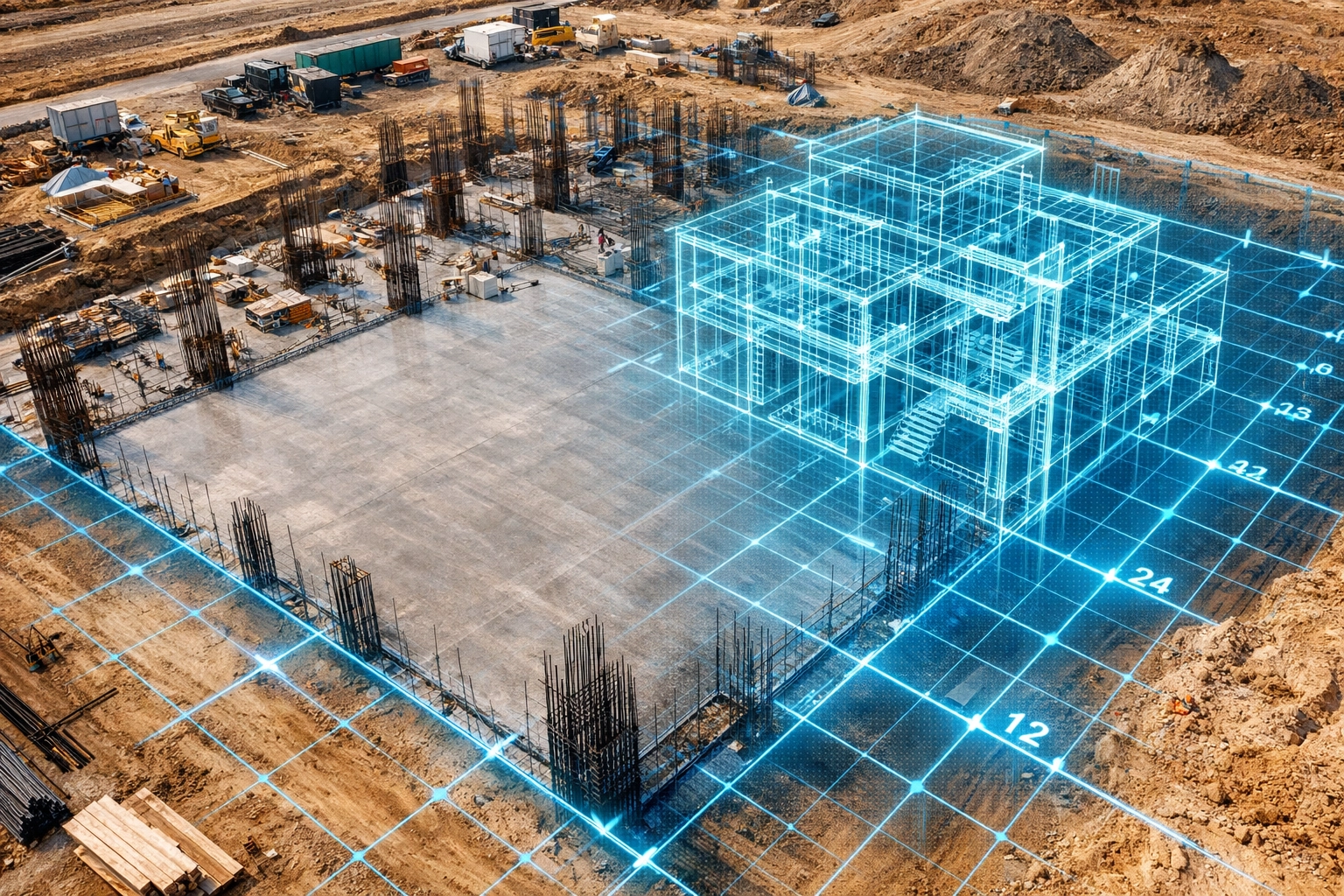
To ensure the aerial data overlays perfectly with the design files, the data must undergo a coordinate transformation. This alignment ensures that a column in the BIM model sits exactly where the column is being poured on-site. Without this step, the drone data remains a pretty picture rather than a precise planning tool.
Stage 4: Importing Drone Data into BIM Software
Modern BIM platforms like Autodesk Revit, Civil 3D, and Navisworks are designed to ingest drone-captured data. The standard workflow typically involves:
- Point Cloud Conversion: Using software like Autodesk ReCap to convert raw .las or .laz point cloud files into .rcp files.
- Model Overlay: Importing the .rcp file into Revit or Civil 3D as a background layer.
- Conflict Detection: Using Navisworks to run "clash detection" between the as-built drone data and the original design model.
By overlaying the drone-generated 3D model onto the design files, site planners can immediately see if a foundation is off-center or if a utility trench has been dug in the wrong location. This early detection prevents expensive rework later in the project lifecycle.
Stage 5: Leveraging Thermal Data for Inspection Support
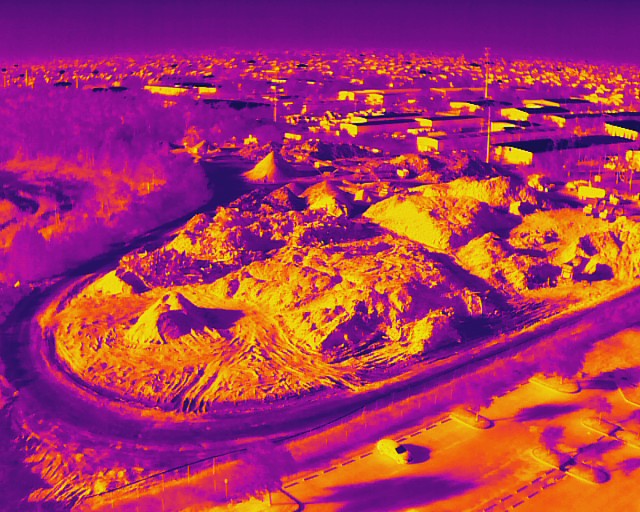
While visual data tracks progress, thermal data ensures quality and safety. Using the 640×512 thermal sensor on the Autel EVO Lite 6T, we can identify "thermal anomalies" within a construction site. This might include moisture intrusion in newly laid roofing, heat loss in building envelopes, or overheating electrical components.
Integrating this thermal data into the BIM workflow allows for a proactive maintenance and inspection schedule. Instead of waiting for a leak to manifest, site managers can identify temperature variations that indicate potential failure points.
ROI Advantage: Why Construction Managers Choose High-Resolution Data
The financial case for integrating drone data into BIM is clear. It moves the project from a reactive state to a proactive one.
| Traditional Method | Drone-Integrated BIM Method |
|---|---|
| Manual site walks and tape measurements | GPS-guided automated data capture |
| Subjective progress reports | Objective, timestamped 3D visual data |
| Rework discovered during later stages | Deviations identified in real-time |
| High safety risk for manual roof/high-structure inspections | FAA Part 107 pilots capture data from the ground |
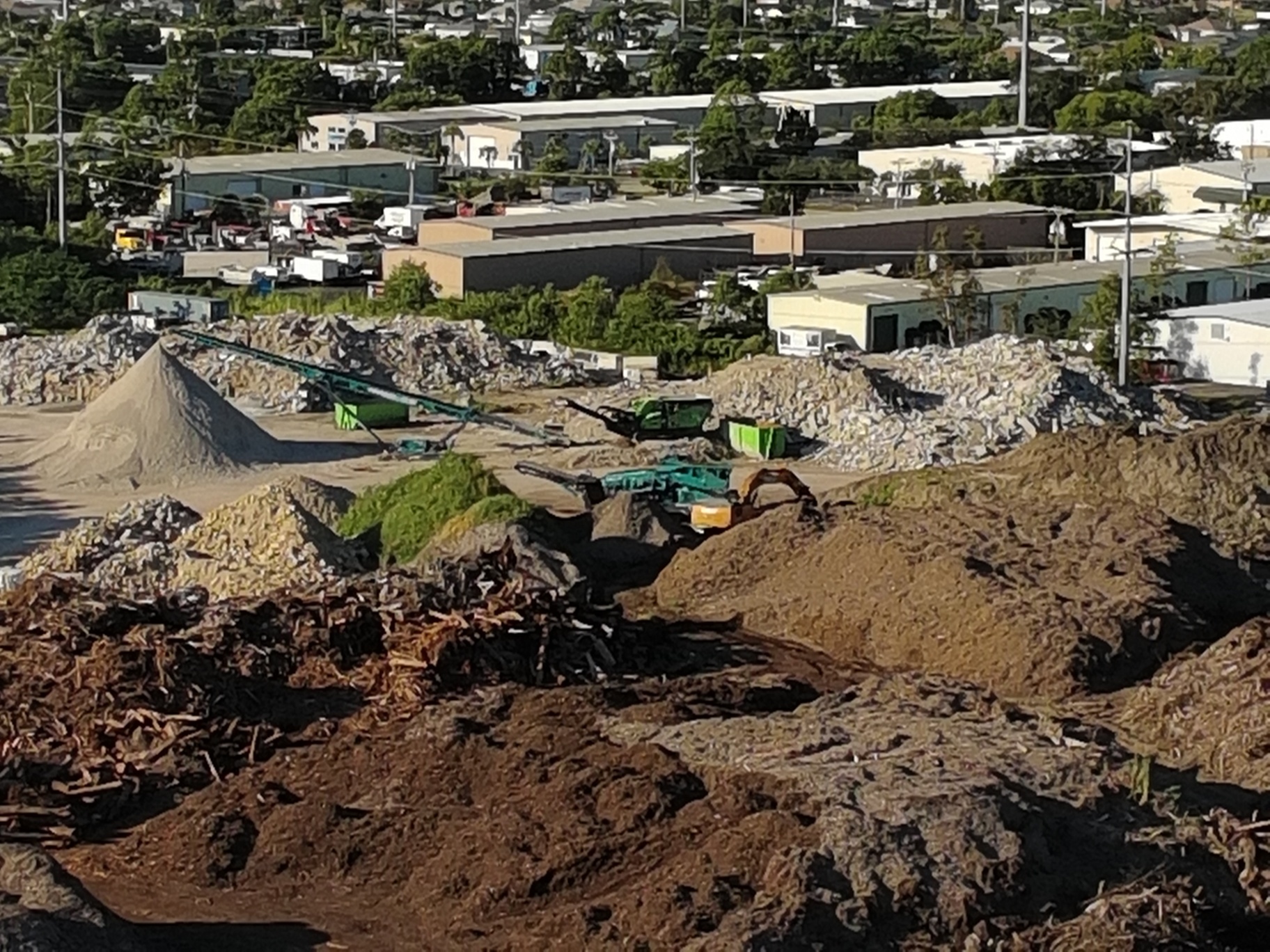
ROI Impact: By catching a single structural deviation early through an orthomosaic map or 3D overlay, a project can save tens of thousands of dollars in labor and material costs. Furthermore, the use of high-resolution imagery supports better inventory management of stockpiles and equipment, streamlining the entire logistics chain.
Continuous Monitoring and the "Living Record"
The most successful BIM workflows treat the model as a living record. By scheduling regular drone flights: weekly or bi-weekly: construction managers can create a visual timeline. This data-driven approach provides Southwest Florida developers with the clarity and control needed to meet tight deadlines and maintain high standards.
As the site progresses, the BIM workspace is updated with new visual layers. This allows stakeholders to compare the current state of construction against the 4D schedule, ensuring the project remains on track.
Important Disclaimer
Thermal imaging and mapping data are for informational and inspection support purposes only. Cape UAV does not provide licensed land surveying or engineering services. Our data is for planning purposes and is not a substitute for a licensed land survey. Thermal results indicate anomalies and are not a substitute for evaluation by a licensed professional.
Partner with Cape UAV for Precision Aerial Imaging
Integrating high-resolution drone data into your BIM workflow is not just about having a drone; it is about the technical expertise to capture, process, and align that data for professional use. At Cape UAV, we provide the technical foundation Southwest Florida construction teams need to operate with confidence.
From thermal imaging for inspection support to high-resolution mapping for site planning, our enterprise-grade equipment and certified pilots deliver the precision your project demands.
Important Disclaimer: Thermal imaging and mapping data are for informational and inspection support purposes only. Cape UAV does not provide licensed land surveying or engineering services. Our data is for planning purposes and is not a substitute for a licensed land survey. Thermal results indicate anomalies and are not a substitute for evaluation by a licensed professional.